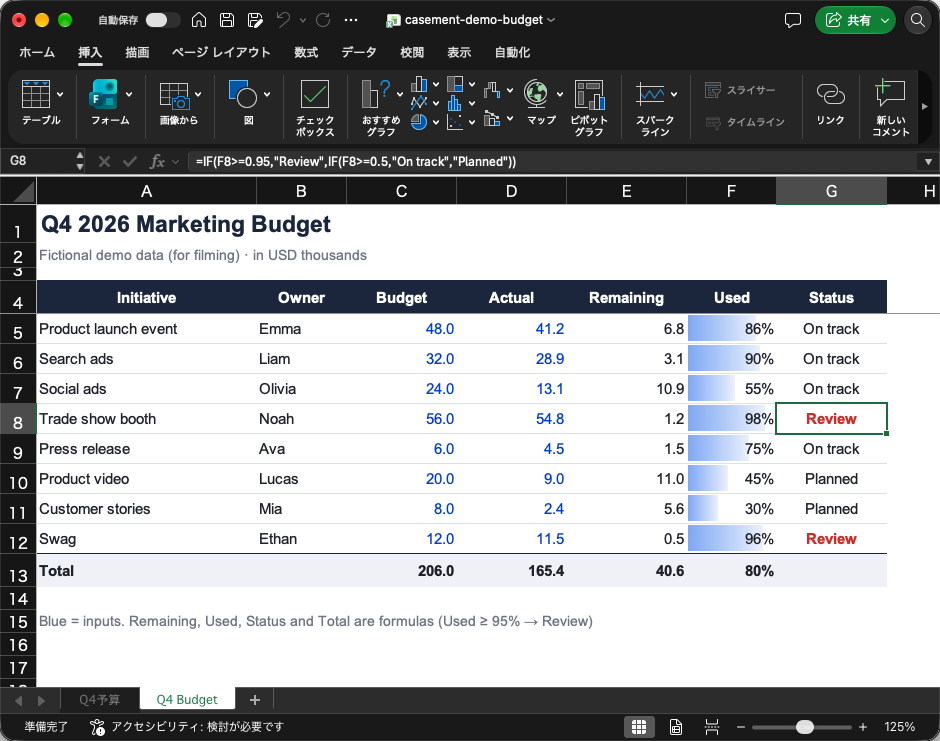
Casement works together with Casement Home.
On the computer that has your apps
macOS 26 or later (Mac with Apple silicon)
On the device in your hand
Devices with iOS 26, iPadOS 26, visionOS 26 or macOS 26 or later, and devices with Android 10 or later


ConnectionConnect your Mac and your device to the same Wi-Fi network. (Install Tailscale on both and join the same tailnet, and from the second time on you can connect across different networks.)
Nothing happens where you can't see it. Everything Casement does is written down and public
your desktop apps, as native windows
on smartphones, ipad, xr headsets and mac.